Objectape
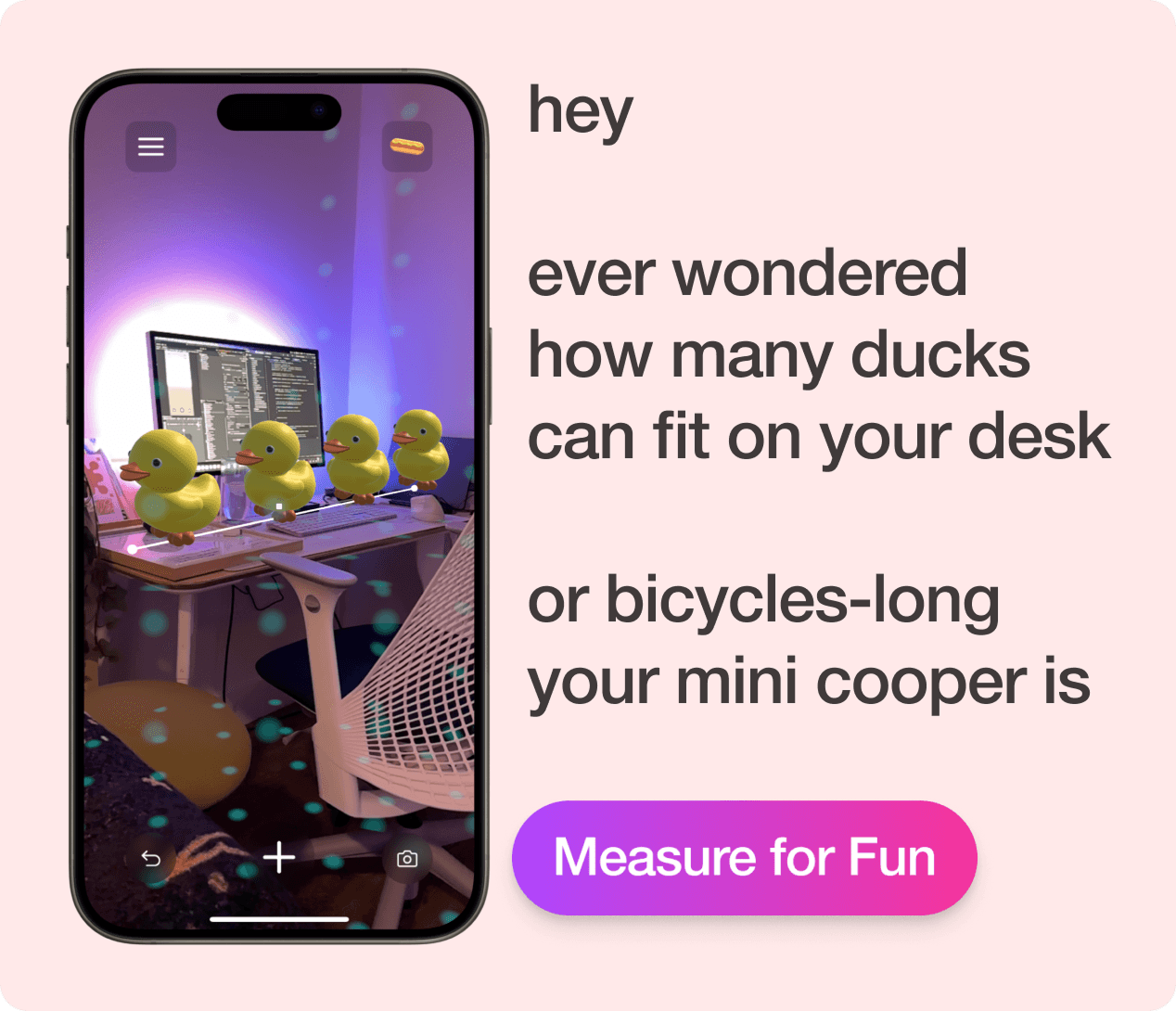
A playful AR measuring tool that explores how people instinctively describe size using familiar objects when exact units feel meaningless—"about three bicycles long" just clicks faster than "5.182 meters."
Context
ArtCenter MDes | Creative Prototyping II
Role
AR Designer & Unity Developer
Tools
Unity, AR Foundation, Rider, XCode, Claude
Timeframe
5 Weeks
Deliverables
Live App, Project Documentation, Final Presentation
The Challenge
Driven by… a vintage meme and mental shortcuts
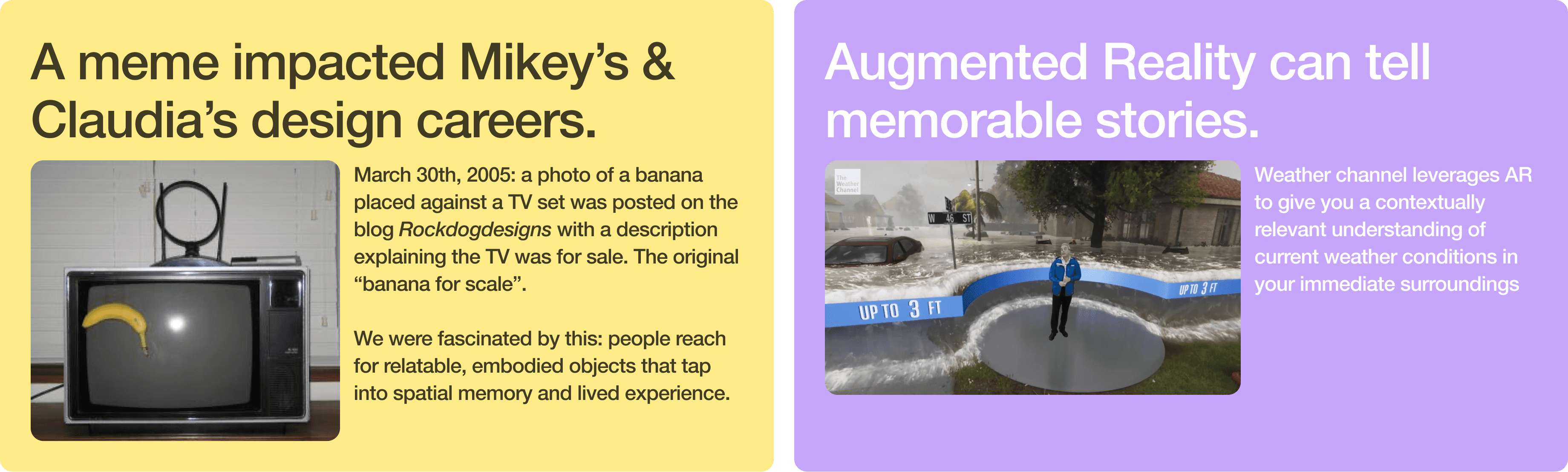
People don't think in meters. When someone asks "how big is that?", we almost never reach for exact units. Instead, we instinctively translate size into familiar objects. A car is about three bicycles long. A park is roughly two football fields. These mental shortcuts help us appreciate scale in ways that "5.182 meters" simply can't. We found this behavior everywhere once we started looking: in casual conversation, in news articles using "Olympic swimming pools" to describe volume, even in the original 2005 "banana for scale" meme that put a piece of fruit next to a TV to communicate its size.
Objectape asks: what if that instinct became a functional tool? What if AR could let you measure the world using the objects your brain already understands?
In our Creative Prototyping II course semester, I teamed up with fellow MDes IxD grad student Claudia to explore this.
Shooting our shot with 3 goals
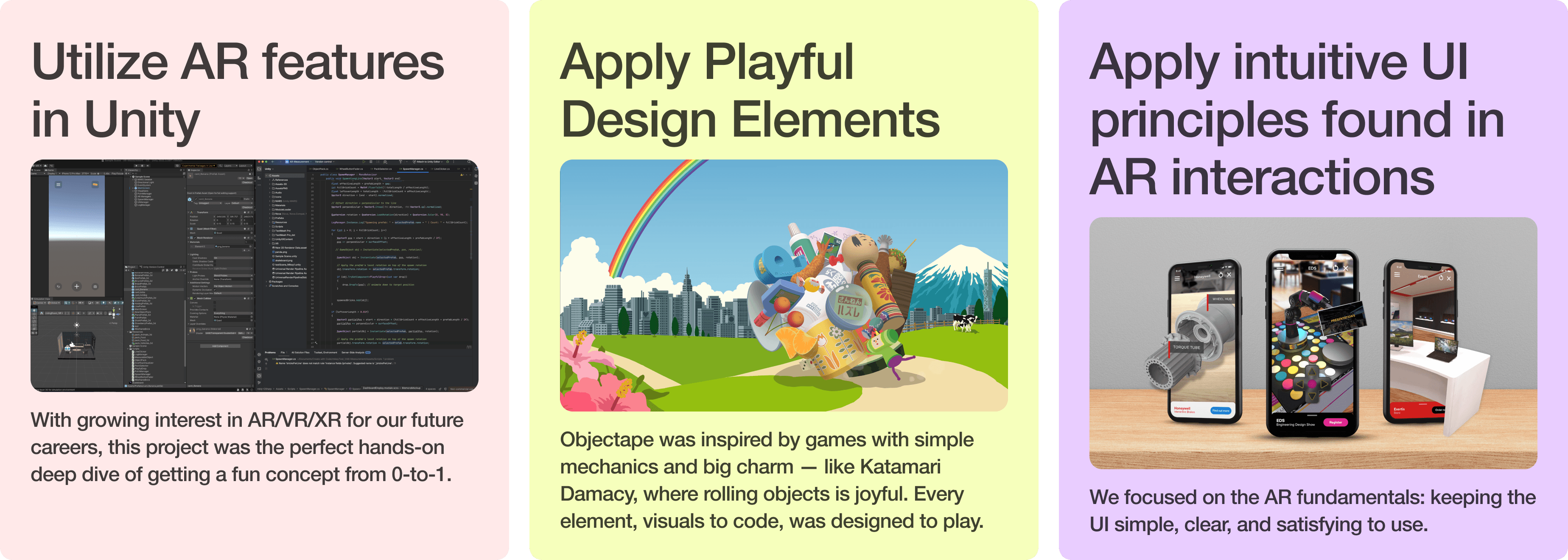
With the human insight clear, we set three goals to keep us focused through a packed semester.
Process & Execution
Project Management
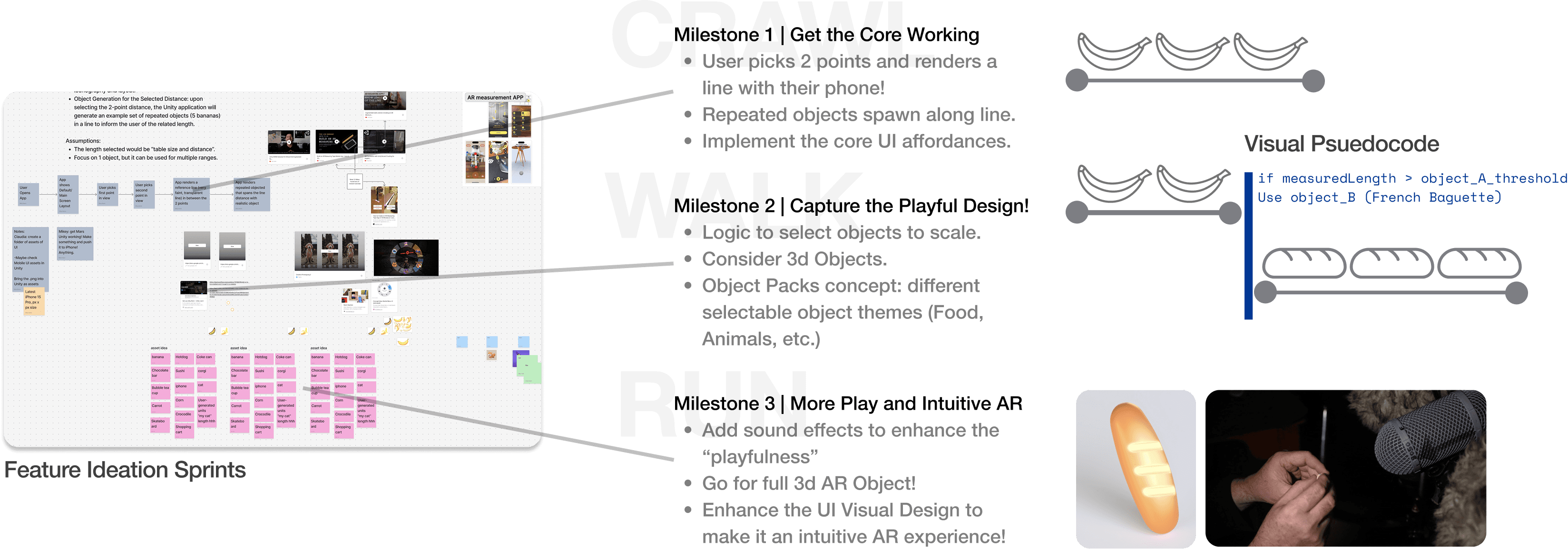
We had to be realistic! We were juggling other classes and learning AR Foundations in Unity. Milestones were designed to be achievable and incremental in features we wanted. Therefore our project management sequence was a Crawl-Walk-Run phased approach.
My real-life project management experience in complex space projects shined here. Crawl-Walk-Run helped make complexity less overwhelming and gave strong emphasis on ensuring the team got the fundamentals established!
Seen below, we spent the first session ideating on features of the Objectape. We used time-boxed divergent thinking to rapidly capture ideas. We then grouped and categorized features and functions to "Core, Fundamental" capabilities we definitely wanted in the Crawl phase (Milestone 1) while other items and nice-to-haves were allocated to later Walk-Run phases.
Going Tactical
With the project strategy in place, we established expectations between each other in order to meet each milestone. FigJam wasn't just our information nexus to document our work, but also used it as a space to write each other dependent-tasks, triage issues, resource collection and timeline.
Responsibilities and task-flowdown were based on our interests and strengths, with Claudia focusing on frontend AR UI design while I focused on the backend mechanics behind Objectape.
As seen in the image above on the top-right, we focused on the current milestone while still keeping an eye out for ideas that would help the future. We continued adding more details to later-planned features such as sketches, 3D model resources, and visual pseudocode to build a gentle technical on-ramp towards these advanced capabilities. Yet another lesson-learned in building incremental capabilities from the aerospace world.
Key Features Implemented
Intentional AR Front & Back End Choices
We chose glassmorphism for the UI because AR interfaces compete directly with the real world for attention. Opaque buttons would block the environment users are actively trying to measure. The translucent panels let the camera feed bleed through, preserving situational awareness even while interacting with controls. But it wasn't just about transparency. The glass refraction effect meant that buttons visually responded to whatever the camera was seeing, making the UI feel active and alive rather than a static overlay bolted on top of the experience.
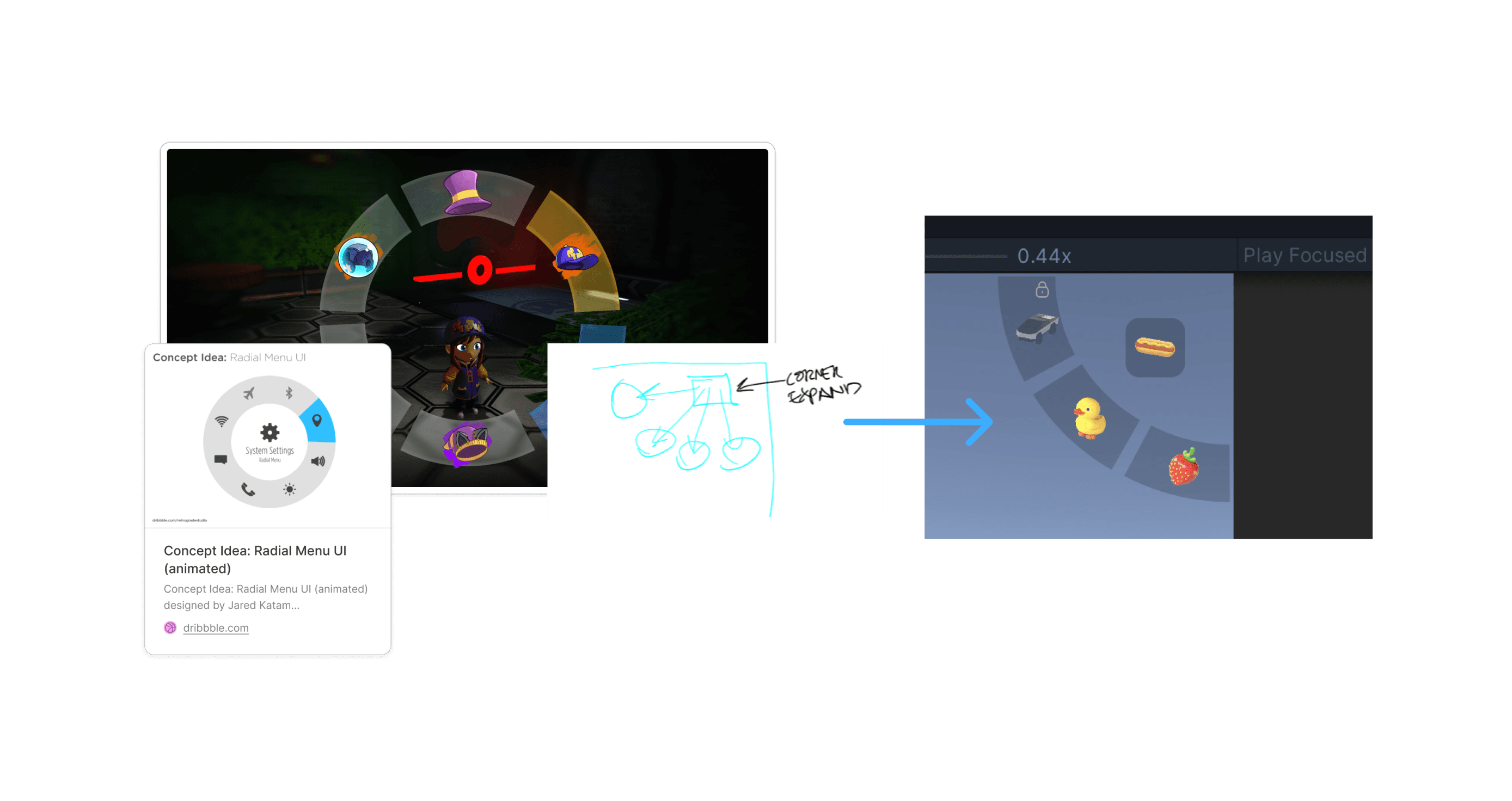
Playful coding decisions brought Objectape to life mechanically. Objects spawn with randomized positions and gravity for natural feel. Fuzzy logic and tolerance-play round object counts to whole numbers this was intentional because nobody needs to know it's 2.01 sharks long, and rendering a partial shark broke immersion. Subtle click sounds on extension and retraction were added, echoing the satisfying tactility of a real tape measure.

Playful Choices Supported by Playful …Playtests
Every user who tested Objectape delighted in measuring the world and watching objects materialize in space. The automatic object-swapping based on length became an unexpected moment of surprise and joy. Users confirmed that the glassmorphic UI felt immersive rather than distracting.
A key iteration emerged from playtests: users wanted a subtle dot grid overlay to visualize detected surfaces, giving them confidence about where and what they were measuring. We also discovered that AR performance varied noticeably by device — LiDAR-enabled phones measured from greater distances and handled challenging surfaces like metallic objects more reliably.
Users told us the dots weren't just helpful for precision, they communicated device limitations in a subtle, non-disruptive way. When dots stopped rendering on certain surfaces, users understood that their phone couldn't detect that area without needing an error message. The dots became a form of ambient feedback, turning a technical constraint into readable information.
Our testers were a general mix of coworkers, classmates, and friends. None were daily AR users, but all recognized AR as something applicable to their lives. This was intentional. We wanted feedback from people who would approach Objectape without habitual AR expectations, giving us a clearer read on whether the interactions felt intuitive on their own terms.
Reflection
We discovered valuable lessons learned
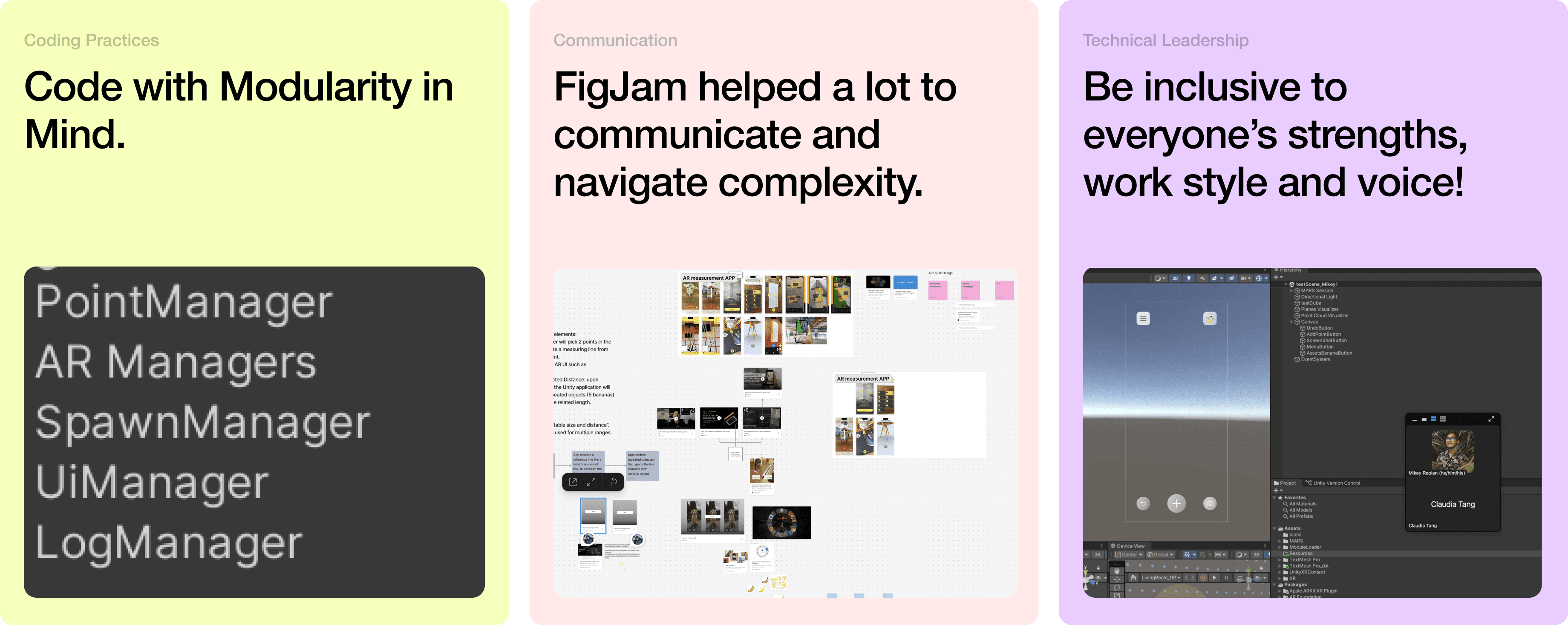
This project was so well executed that we had time to share with friends, clean up documentation and in our last tagup to simply reflect! Like in space missions, mission operators perform a hotwash after a significant effort was executed. In the heat of the moment, we can easily recall lessons learned and share it among team members. We simply hopped on FigJam and noted lessons learned in the cards seen below.
From Claudia's perspective, she noted how "playful design" may sometimes include lots of visual, colorful elements but since we wanted to keep the AR experience less cluttered, so minimalist visual design was applied and respected. We both agreed that Unity's version control system was incredibly helpful in being able to fold in updates asynchronously.
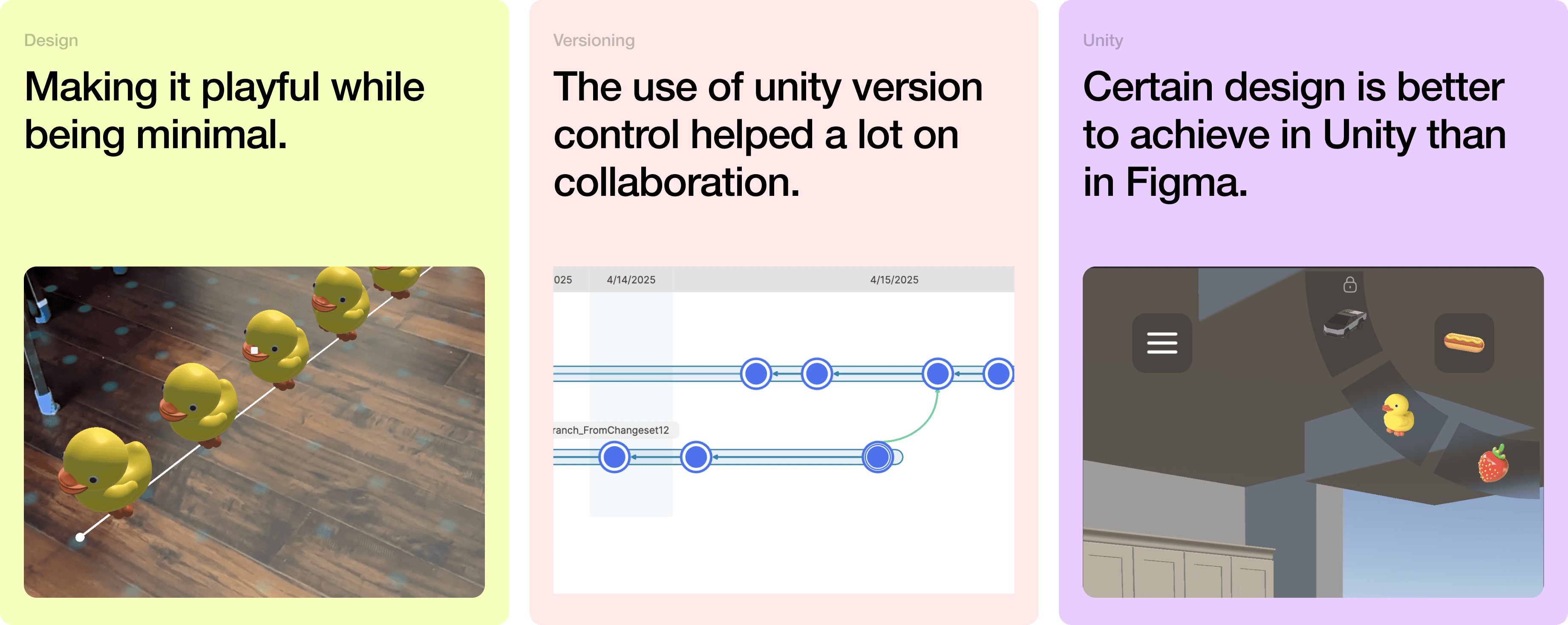
From my side, I found that FigJam was incredibly helpful to act as our information nexus. We used FigJam to drive our weekly tagup meetings. It even had a little corner where we can capture any questions/hurdles so we can tackle them together!
I also took away how important it was to understand each other's preferred working style! We found FigJam a great outlet to capture ideas and share with each other and we used Zoom and screen-sharing to really walk through the complex code!